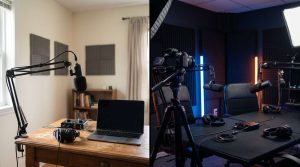
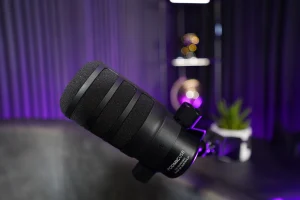
A podcast can sound great in your head, then the playback hits and it’s full of room ring, odd buzzes, or voices jumping up and down. Most of that comes from routine recording slip-ups, not a lack of fancy gear.
To dodge most recording slip-ups, sort the room first (soft surfaces and quiet), keep mic distance steady, set safe input levels with headroom, wear headphones, and do a short test that you actually listen back to before you commit.
Below are seven common recording mistakes and fixes for Ireland.
Mistake #1: Recording In A Hard, Echo-Prone Room
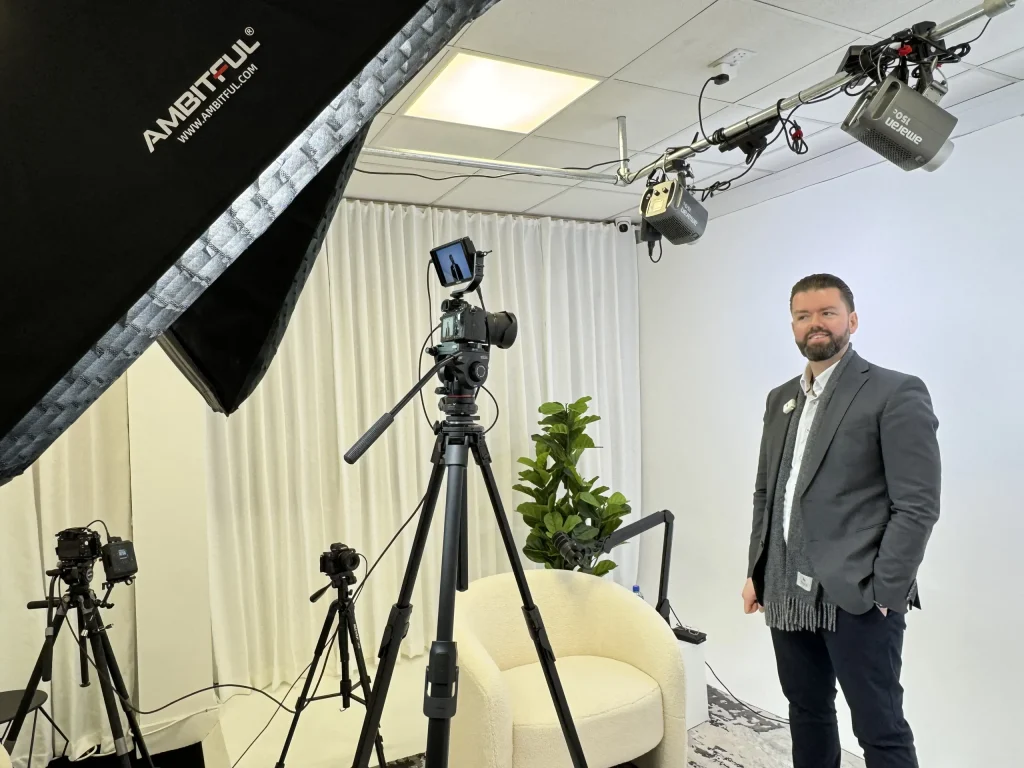
If you’re on tiles, timber floors, bare walls, and big windows, your mic will pick up reflections and your voice can sound thin or “ringy”. Many Irish homes and offices have exactly that mix.
How To Avoid It
Start with the room, not the mic.
Put down a thick rug, pull the curtains, and move away from windows. If you’re stuck with a bright room, try a smaller space with soft items (a bedroom often beats an open-plan kitchen). Get the mic closer to you so your voice sits above the room sound.
If you want a space that’s already treated and set up for audio and video, you can look at the different room options on SG Studios page, then pick the look that matches your show and still give clean audio.
Mistake #2: Letting Background Noise Sneak In
You might not notice the fridge cycling, a laptop fan ramping up, traffic outside, or a phone buzzing on the desk. Your mic notices all of it.
How To Avoid It
Do a quick noise sweep before you hit the record.
Turn off fans and portable heaters, put phones on silent (and away from the mic), and shut windows. If you’re in a busy area, record at a quieter time of day. A small shift in schedule can save hours later.
If you’re booking a session, the FAQ page spells out what’s included so you can plan your setup and session time without guesswork.
Mistake #3: Moving Around The Mic Like It’s Not There
This is the “lean in for a point, lean back to think, turn your head to laugh” habit. It makes editing a pain because the volume and tone swing constantly.
How To Avoid It
Set your position once and stick to it.
A simple rule: keep your mouth about a fist to a hand-span from the mic, and don’t drift. If you get plosives, angle the mic slightly so you speak across it, not straight into it. If you’re filming too, lock your chair and mic stand so you’re not chasing the camera frame.
Mistake #4: Popping, Breaths, And Mouth Clicks Taking Over
Pop sounds on “p” and “b” can ruin an otherwise great take, and loud breaths can jump out in quiet moments.
How To Avoid It
Use a pop filter and tweak your angle.
A pop filter (or foam windscreen) is the quick win. Then rotate the mic a touch off-centre so the air doesn’t hit the capsule head-on. Drink water before you start, and keep it nearby. If a guest is new to microphones, give them one instruction: “Talk past the mic, not into it.”
Mistake #5: Recording Too Hot And Hitting Digital Distortion
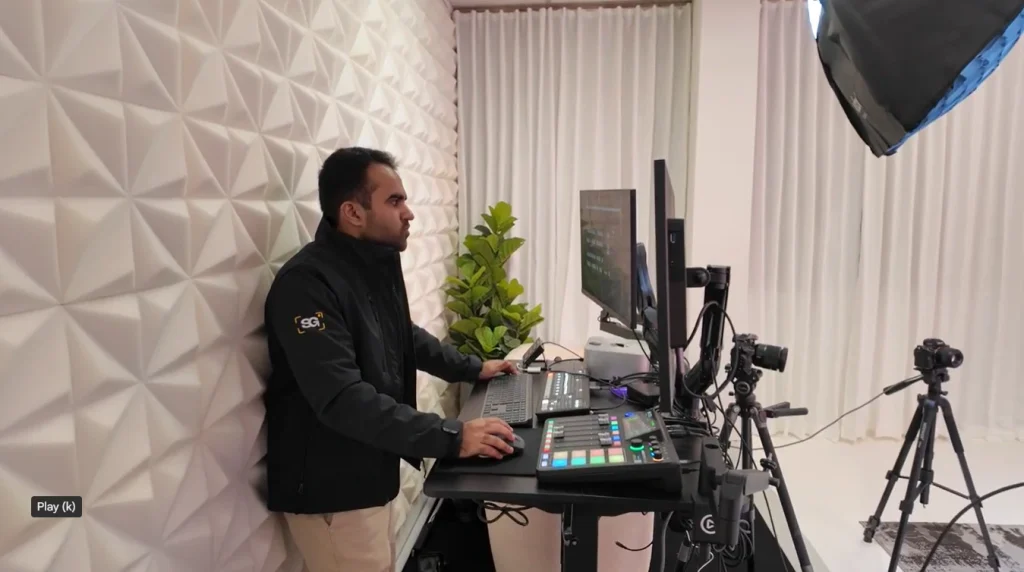
If your input gain is high, excited moments and laughter can slam into the red. Once it distorts, there’s no clean undo.
How To Avoid It
Set levels using your loudest voice.
Do a quick “performance” line at full energy, then set gain so peaks stay comfortably below the top. Leave space for laughs and emphasis. Check both voices; one speaker might be much louder.
If you don’t want to watch meters while hosting, recording in a studio can take that job off your plate. The SG Studios contact page is the simplest place to ask for a Get Free Quote and outline how many people you’re recording with, plus whether you’re filming.
Mistake #6: Not Monitoring On Headphones While You Record
A crackly cable, a wrong input, a low hum, or the wrong mic selected in your software can go unnoticed until you sit down to edit.
How To Avoid It
Wear closed-back headphones and listen actively.
From the first minute, listen for buzz, hiss, and sudden volume jumps. If you’re doing remote calls, ask guests to use headphones too; it cuts down echo and makes voices clearer. If you hear a fault mid-take, stop and fix it then.
Mistake #7: Recording Everyone To One Track (And Regretting It Later)
If all voices are baked into one mixed track, edits become a compromise. You can’t tidy one voice without pulling the other voices around with it.
How To Avoid It
Use separate tracks for each mic.
On a multi-mic setup, record each mic to its own track. For remote guests, use a tool or settings that capture isolated audio per speaker. Before the real take, do a 30-second test: talk one by one and make sure each track moves on its own.
A 60-Second Pre-Flight Check
Right before the real take, do a quick check: room quiet, mic set, levels with headroom, headphones on, tracks separated, then a 30–60 second test take you listen back to.
Loudness After Recording (Why Your Episode Can Sound Different Across Apps)
Once your edit is done, you’ll usually normalise loudness for release rather than trying to capture it “loud” during recording. If you also deliver audio for broadcast-style use, the European loudness reference EBU R 128 is published by the EBU. The main point is simple: record clean with headroom, then sort loudness at the end.
Final Thoughts
Fixing podcast audio is mostly about habits. Get the room under control, keep your mic position steady, record with headroom, and monitor on headphones. Add a short test take and you’ll catch most slip-ups before they cost you a full episode.If you’d rather walk in and record with the setup already dialled in, ask SG Studios for a Get Free Quote via and include your guest count, whether you need video, and how long you want to record for.